Use your own scene
Work from your real background shots, store displays, props, and brand environments instead of relying only on random AI-generated scenes.
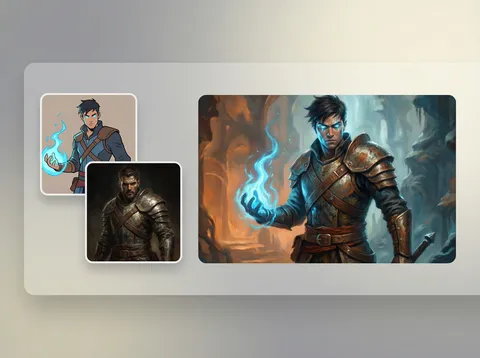
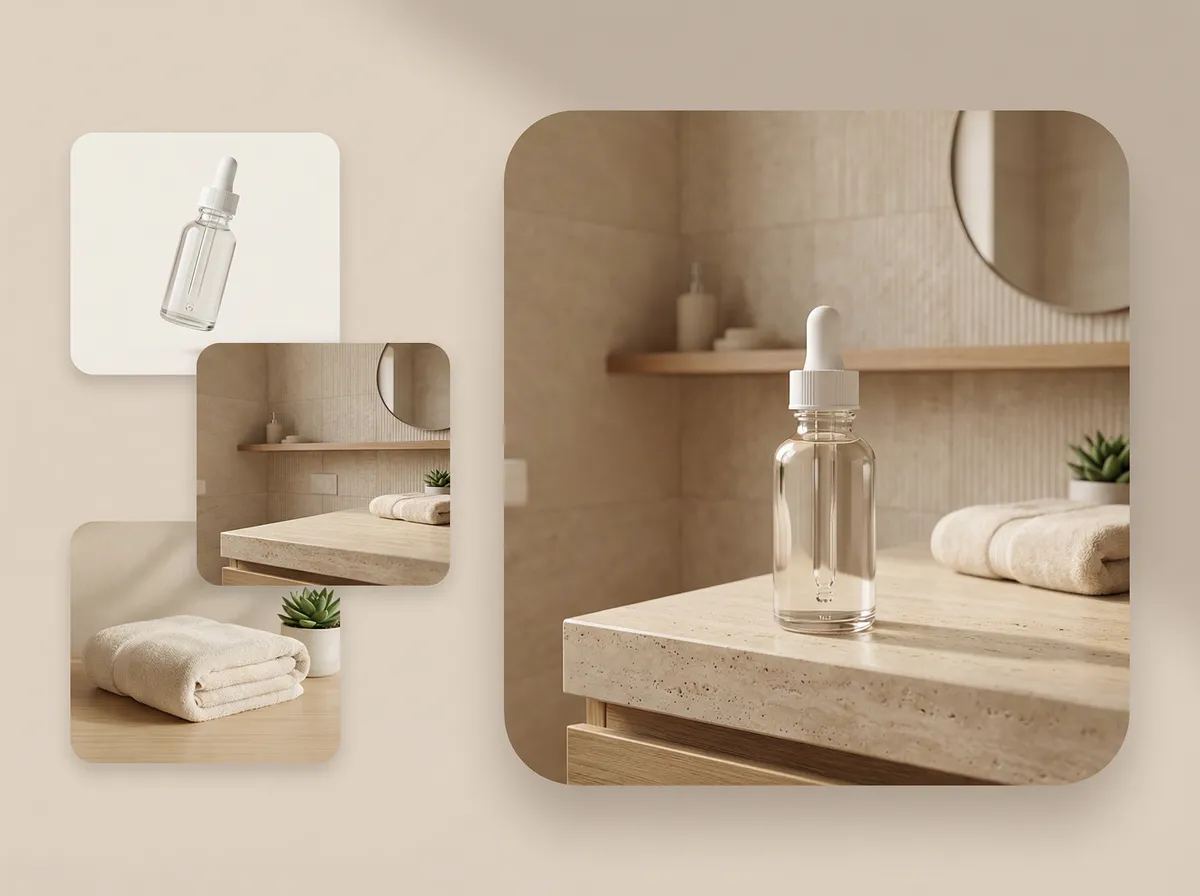
Turn product photos into lifestyle scenes. Turn portraits into social-ready covers. Upload your images, skip Photoshop.
AI will analyze your images and decide the best blend
Smart auto-blend — edit prompt to customize
Works with 1-10 images
This workflow stays closer to real production needs: your products, your references, your scenes, with AI handling the blend.
Work from your real background shots, store displays, props, and brand environments instead of relying only on random AI-generated scenes.
The workflow is optimized for listings, paid creative, and social assets where believable placement and clean composition matter.
You upload, pick a template, and generate. There is no manual masking or advanced editing workflow between the input and the result.
Browse the full set of templates and jump straight into the editor.
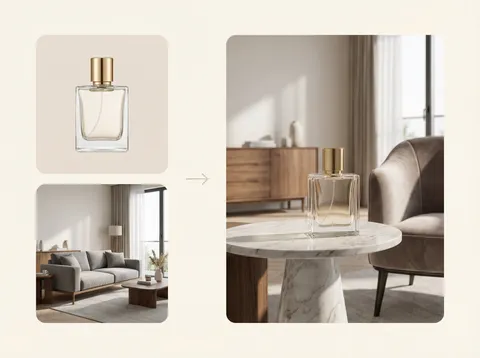




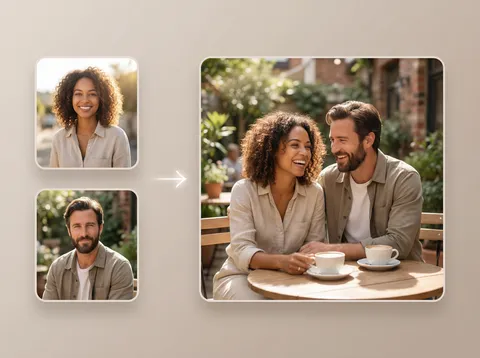
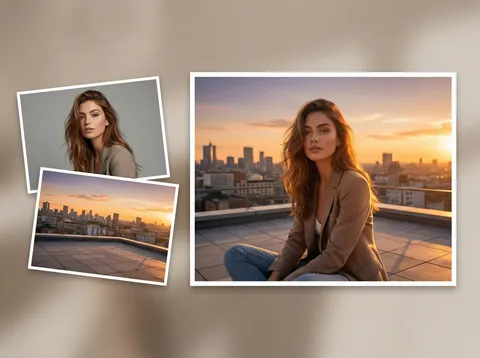
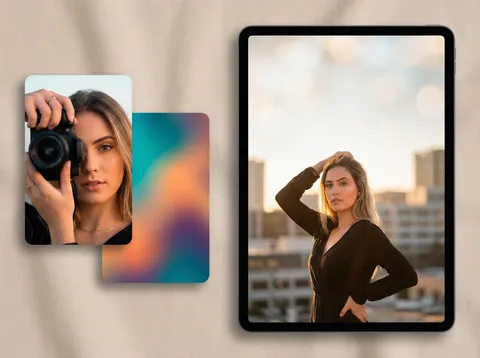
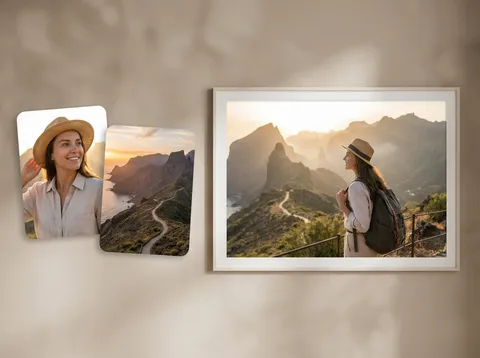


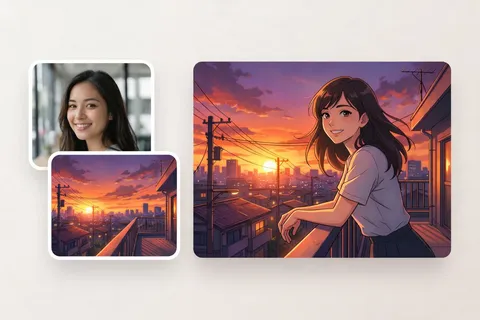
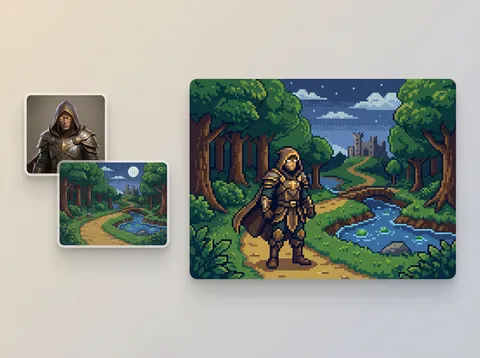
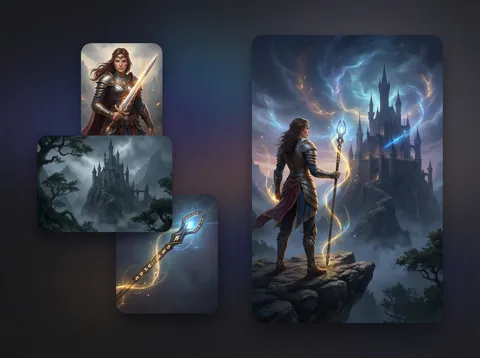
AI capabilities that reduce prompt friction, improve scene reasoning, and turn rough inputs into usable assets faster.


Free accounts receive signup credits one time, and paid plans keep the same monthly credits on both monthly and yearly billing.
For trying AI image combiner workflows with 10 signup credits
Billed annually
Billed annually
Yes. Google sign-in is required before you generate. Free accounts receive 10 signup credits so you can try image combinations without creating a password.
Free users receive 10 signup credits one time. They do not reset monthly, and every free result includes a watermark.
Good quality uses 3 credits for 1K, 4 credits for 2K, and 6 credits for 4K per image. Best quality is paid-only and costs 6, 8, and 12 credits respectively. Generating 2 images costs 2× and 4 images costs 4×.
Scene templates are pre-built presets that guide how AI combines your uploaded images. Each template includes a specialized prompt optimized for that use case — for example, Product in Scene places your product into a lifestyle background, while Replace Background keeps your subject and swaps only the backdrop.
Free users generate 1 image per request. Premium users can generate up to 2 images, and Ultimate users can generate up to 4 images per request. Each additional image multiplies the credit cost.
No. AI Image Combiner requires Google sign-in so we can assign credits to a real account and control abuse.
If the request or output is blocked by image safety filters, the result can be marked NSFW. Safety-blocked generations still consume credits, while technical failures do not.
Source images are automatically deleted after processing. We do not use your images to train public AI models.